Ask a chemist who dislikes his software why he is still on it and you will rarely hear anything about the software. You will hear about the list.
Three thousand medicines, give or take, sitting in a system somebody set up in 2019. Every one of them with a pack, a company, a tax rate and a price. The thought of putting all of that somewhere else — on top of running a shop that opens at nine — is the reason a great many pharmacies in India are on software they stopped liking years ago.
It is a reasonable fear. It is also, mostly, a fear of the wrong thing. Here is the week counted properly.
Count the hours before anything else
A medicine is not one field. To be worth having in a system it needs a name, a pack, a company, a unit, an HSN code, a GST rate and a price — seven things, and the last three are the ones you have to look up rather than remember.
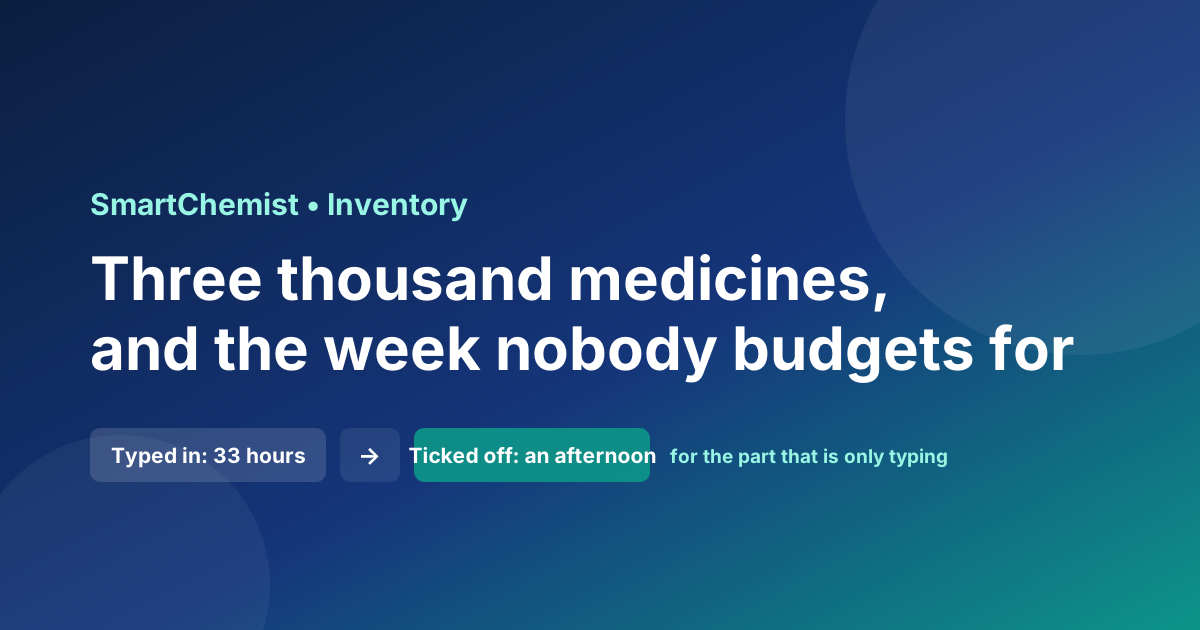
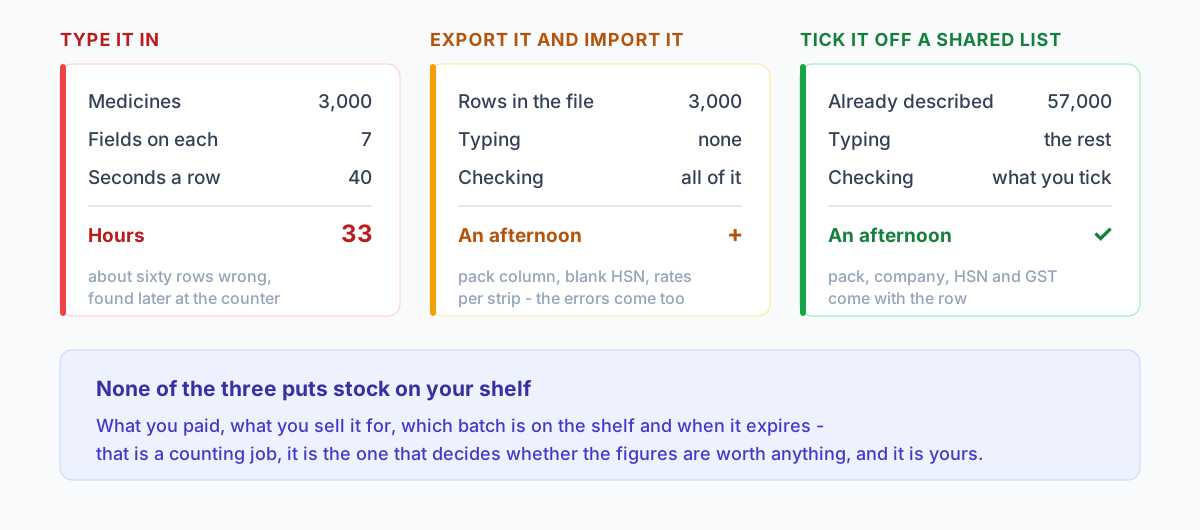
Forty seconds a row is a fair figure for somebody who knows what they are doing and is not being interrupted. Three thousand rows at forty seconds is thirty-three hours. Even at a brisk twenty seconds — which you will not hold for three thousand rows — it is sixteen and a half.
Thirty-three hours is not a week of work. It is a fortnight of evenings after a day on your feet, which is a different and much worse thing. And allow yourself two mistakes in a hundred rows, which would be good going at that pace: sixty rows wrong. You will not find them in the list. You will find them one at a time, at the counter, with a customer waiting.
The export from your old software is not the shortcut it looks like
The obvious answer is to export the list from the old system as Excel and load it into the new one. Do try it. But go in knowing what usually comes out of that file, because an import is only as good as what it imports.
- The pack column rarely survives. A medicine recorded per strip in the old system and per tablet in the new one is out by a factor of ten in its quantity and its rate, in opposite directions. We wrote about that arithmetic in detail in eighty strips or eight hundred capsules; it is the single most common way an import goes quietly wrong.
- HSN codes are often blank. Plenty of older systems never asked for one, because the shop was filing a summary nobody checked closely. They are checked now, and an HSN summary is part of your GSTR-1. A blank column imports as a blank column.
- The rate in the file is a historical rate. It is what the medicine cost the last time somebody typed it, which may be two price revisions ago.
- Dead rows come across with the living. Most lists of three thousand contain several hundred medicines the shop has not stocked since the pandemic, each of which you will now maintain forever.
- Batches and expiry dates are usually not in the export at all — and those are the figures the whole system runs on.
An import still beats typing. It just moves the work from your fingers to your judgement, and the afternoon it saves is spent checking instead.
Most of your shelf is not unique to your shop
Here is the part that changes the arithmetic, and it is worth saying plainly because it is not obvious: your medicine list is not actually yours.
DOLO 650 is DOLO 650 in Pune and in Patna. Fifteen to a strip, Micro Labs, HSN 3004, paracetamol. Those facts do not vary by shop. What varies by shop is what you paid for it, what you sell it for, how many you have and when they expire — and none of that is in the part you were dreading typing.
So the typing is duplicated effort on a national scale. Every pharmacy in the country that has ever started on software has typed out DOLO 650, separately, in its own spelling, with its own guess at the HSN code.
A shared catalogue is simply the decision to stop doing that. In SmartChemist it holds about 57,000 products — roughly 1,500 companies and 4,000 salts — each with its pack, company, HSN code and GST rate, built up from what pharmacies on the platform actually stock rather than from a list somebody bought. Nearly every row carries an HSN code, which is the field a typed list is most likely to leave empty and the one a return will eventually ask for.
You search it, you tick what is on your shelves, and those medicines are on your list with their details filled in. The thirty-three hours becomes an afternoon, and the sixty wrong rows become however many you tick by mistake.
What a shared list will not do for you
Be clear about the limits, because a tool oversold is a tool you stop trusting the first time it is wrong.
- It does not know your prices. It knows the MRP that was on the pack. What you buy it at, and what you actually charge, are yours to set.
- It does not know your stock. Ticking a medicine tells the system the medicine exists, not that you have forty of them.
- It will not have everything. A local brand your town's distributor carries and nobody else does may not be in it. Type that one once; the next shop in your district that stocks it will find it waiting.
- Its details can be out of date. A company repacks, a rate changes. Check the pack and the tax on anything you sell a lot of, the same way you would check a line on a bill.
What it removes is the typing. That is all it claims to remove, and it is the part that stops people switching.
The part nobody can do for you
Which brings us to the work that remains, and it is worth being honest that it is real: opening stock, by batch, with expiry dates.
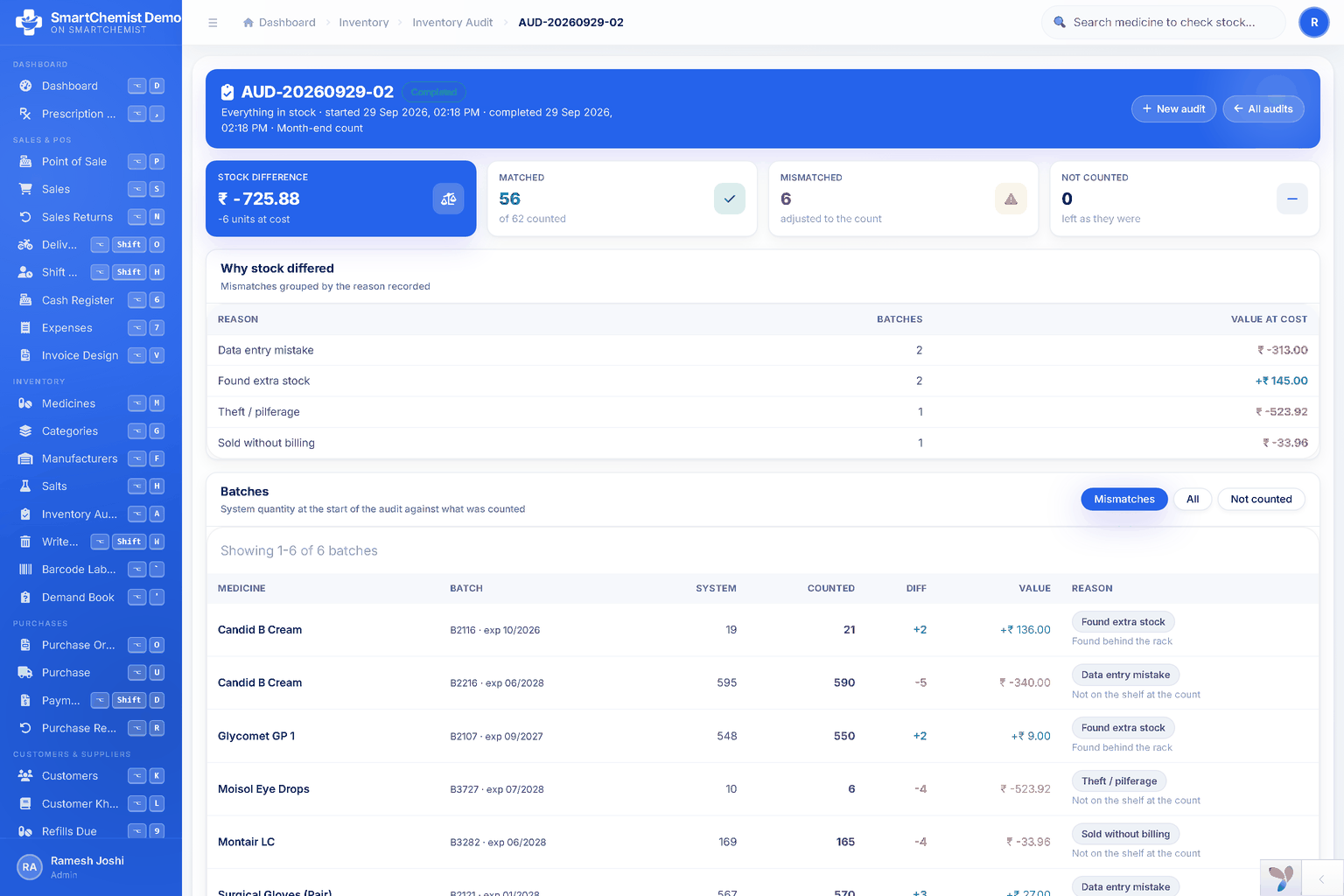
No catalogue, no import and no helpful salesman can tell you that you have thirty-one strips of a medicine, eighteen from a batch expiring in March and thirteen from one expiring in September. Somebody has to walk the shelves and count.
That is not a typing job, it is a counting job, and it is the job that decides whether anything the software tells you afterwards is worth reading. A stock figure that was guessed at the start is a stock figure that is wrong forever, because every report after it is built on top. If you are going to spend a weekend on this changeover, spend it here rather than on the medicine names.
An order of work that actually finishes
Changeovers fail by being attempted in the wrong order, usually by starting with the bit that feels productive. This order works:
- Pick the date first, and pick it badly on purpose. A quiet Sunday, not the first of the month. Starting mid-period means one GST return drawn from two systems, which is worth avoiding; starting the day after a stock count means the counting is already done.
- Build the list before you count anything. Tick what you stock out of the catalogue, import whatever is left from the old export, and type the handful neither covers. One afternoon.
- Then count, batch by batch. Shelf by shelf, with two people if you can — one calling, one entering. Expiry dates get entered as you go; they will not be easier to add later.
- Set your own rates only where they differ from what came in. Do not re-key three thousand prices to confirm that most of them are right.
- Bill on it from the first morning. Running two systems in parallel "just for a week" sounds careful and is the most reliable way to end up with two half-correct sets of figures. Keep the old one readable, and stop writing to it.
- Leave the old data where it is. You need to be able to look things up for a year or so. You do not need to migrate the history of every bill you have ever raised.
Three checks before you trust the new figures
- Compare the stock valuation on day one against the old system's valuation for the same date. They will not match exactly, and should not — but if they are out by more than a percent or two, a pack column is wrong somewhere and now is the cheap time to find it.
- Sell ten things across the counter and read the printed bill. Rate, tax, HSN, total. Ten real bills tell you more about an import than an hour of looking at the list.
- Pick twenty medicines at random and count the shelf against the screen. If twenty agree, three thousand probably agree. If three of the twenty are out, stop and find out why before the figures get a week older.
The honest summary is this: switching costs a weekend, and most of that weekend is counting stock, which is work you should be doing once a year anyway. The thirty-three hours of typing that everybody is actually afraid of is the part that no longer has to happen.
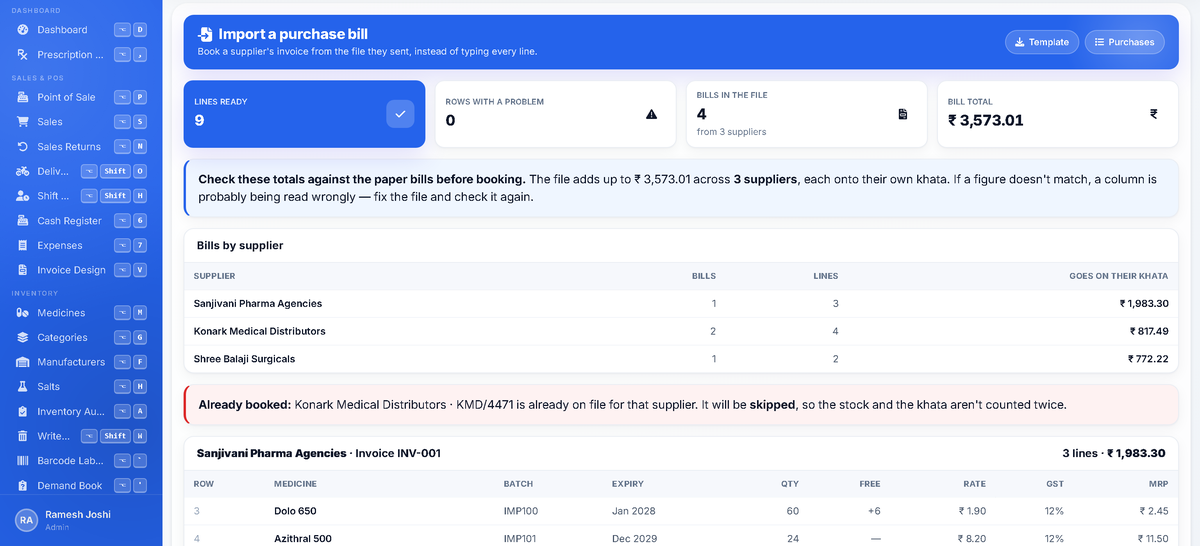
In SmartChemist the shared catalogue is on every plan, the free trial included — search it by brand or by salt, tick what you stock, and the pack, company, HSN code and GST rate come with each row. It also fills in the blanks on a list you imported from somewhere else, suggests the right medicine as you type at the till, and matches the names on a distributor's bill to what you already carry. The counting is still yours.