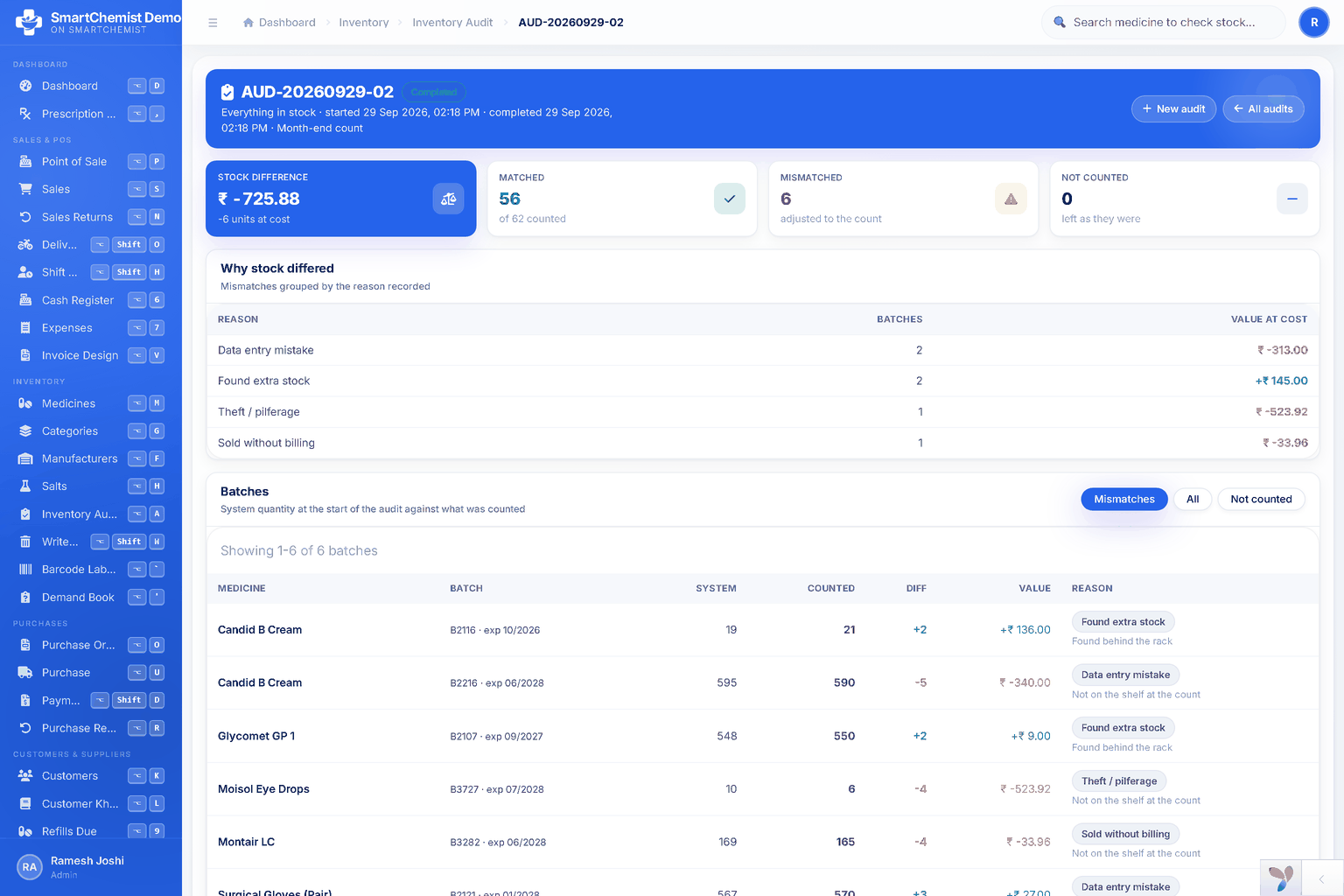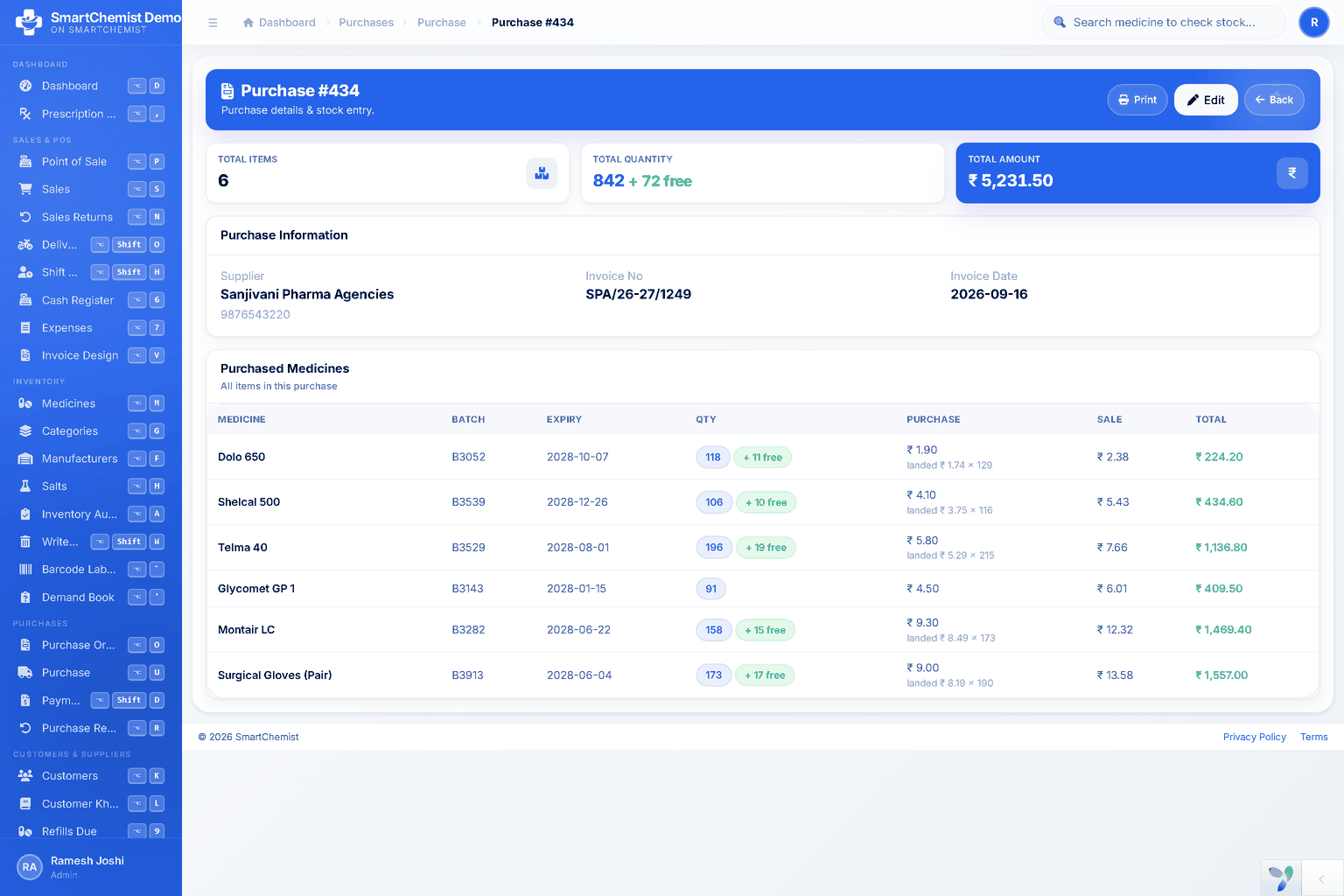
Ask a pharmacist what they do after the shop closes and the answer is rarely "nothing". The delivery came at four, the boxes are checked, and now the bills have to go into the computer: batch number, expiry, quantity, free quantity, rate, GST, MRP. Ninety lines across four bills is an hour and a half on a good day, done at the end of a twelve-hour one.
And it is pure retyping. Every one of those figures already exists in a file on the distributor's computer - it was printed from there onto the paper in your hand.
Ask for the file. They almost always have one
Most distributors in India can send the bill as an Excel or CSV alongside the printed copy, because their own software exported it to print. It is not a special favour and it costs them nothing - many will set it up to go out with every delivery once you ask.
What you want is one row per line of the bill, with the columns in a fixed order: medicine, batch, expiry, quantity, free quantity, rate before GST, GST percent, MRP, invoice number. If their export has extra columns, that is fine - the order of the ones you need is what matters, and you can download a template to send them so there is no guessing.
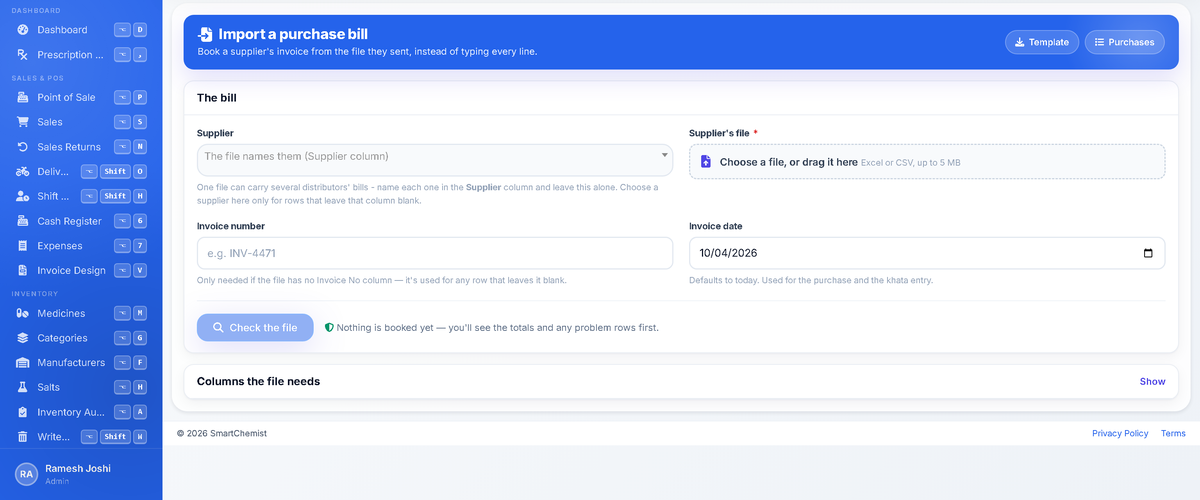
Two things on that screen are worth knowing before you start.
The first is that the supplier box is optional. If the file names the distributor in its own column, you do not have to pick one - which is what lets a single file carry a week of deliveries from different companies. Pick one only when the file does not say.
The second is the "Columns the file needs" panel. Open it once, send your distributor a screenshot or the template, and you will not have this conversation again.
Nothing moves until you have looked at it
This is the part that makes importing safe rather than frightening. The file is read, but no stock is booked and no khata moves until you have seen what it is about to do.
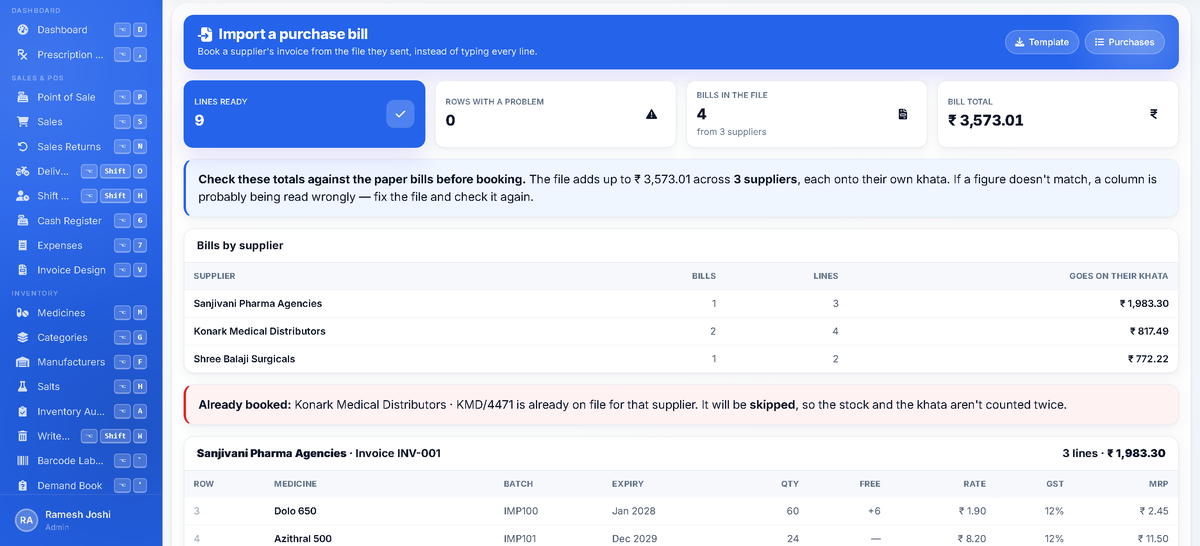
Read it the way you would read the paper. Four bills, three distributors, ₹3,573.01 altogether - and each distributor's share listed separately, because that is what will land on each of their khatas. If one of those totals does not match the paper bill in your hand, a column is being read wrongly and you want to know now, not after the stock is on the shelf.
Then the amber line. One of those four invoices - KMD/4471 from Konark Medical Distributors - is already on file, so it will be skipped. That is the single most useful thing the preview does. Importing the same file twice is the easiest mistake in the world to make: somebody is not sure whether it went in, so they do it again, and now the shop believes it has twice the stock and owes twice the money. Here the repeat is named and left out, and the other three bills go in as normal.
A row the system cannot make sense of is listed too, with the reason against it - a medicine that is not in your catalogue, a batch with no expiry, a rate of zero. Those rows are reported rather than guessed at, and the rest of the file still imports.
Two distributors, one invoice number
Worth saying plainly, because it is the thing that used to make bulk entry impossible: invoice numbers belong to the distributor's own sequence, not to your shop. Two companies both sending you "INV-001" in the same week is completely normal.
So a bill is identified by who sent it and what they called it, never by the number alone. Both INV-001s go in, against their own supplier, each on its own khata. The duplicate check still works, because it asks a narrower question: has this distributor already billed me under this number?
What you get at the end
Confirm, and three things happen at once, which is the actual saving - not the typing, but the four jobs that used to follow it.
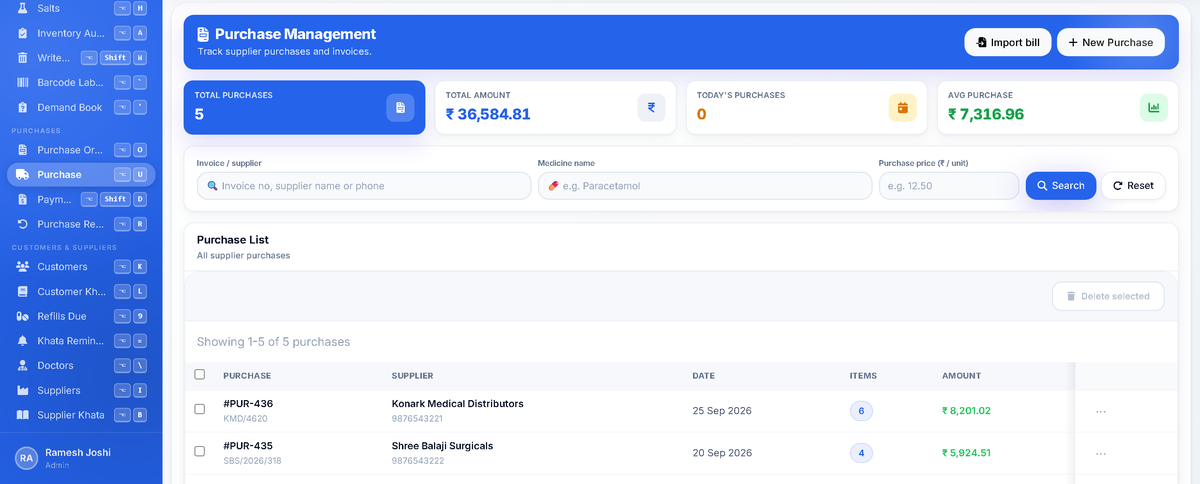
The bills are on file, each against the right distributor. The stock is on the shelf in the right batches with the right expiry dates, costed at what you actually paid - including the free goods, which are spread across the batch so your margin figures stay honest. And the money is on each supplier's khata.
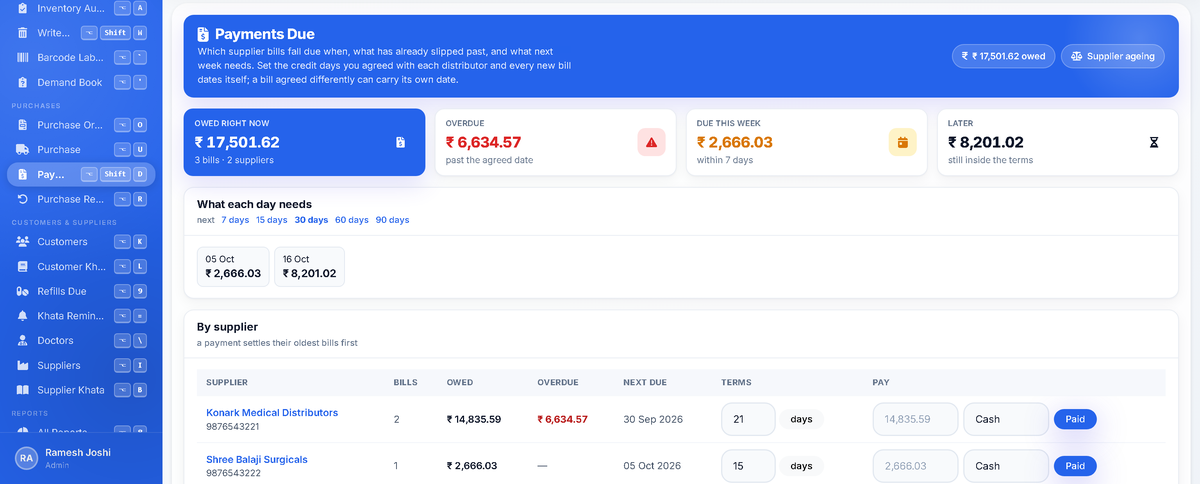
That last screen is the one most shops are missing. When bills are typed in "when there is time", the khata is always a few days behind, and a distributor's man standing at the counter asking for payment has better figures than you do. When the bills go in the day they arrive, you can see what is overdue, what is due this week, and who to pay first - before the conversation, not during it.
A short list of things worth doing
- Ask every distributor for the file once. Even two out of five saying yes takes the worst of the evening away.
- Import the day the delivery lands, not at the end of the week. The point is that the shelf and the khata are right now.
- Check the per-supplier totals against the paper before confirming. It takes ten seconds and it is the only check that matters.
- Do not invent an invoice number to get a bill in. A made-up number is a bill nobody can match later, and it disarms the duplicate check that protects you.
- Add the medicine first, then re-import the row. A good import refuses to create medicines out of a supplier's spelling - that is how a catalogue ends up with "Dolo 650", "DOLO-650" and "Dolo650" as three products.
The part that is not about software
Bulk entry is worth having because of what it changes about the rest of the week, not because typing is unpleasant. A pharmacy whose purchases are a few days behind cannot trust its stock figures, cannot tell which distributor is quietly dearer, and cannot see what it owes until somebody asks. One that enters bills the day they arrive knows all three without doing anything extra.
In SmartChemist this is Purchases → Import a purchase bill: one file, as many distributors as it carries, a preview that shows the money per supplier and names anything already on file, and nothing moves until you say so. The feature list covers what sits around it - purchase orders, returns, the supplier khata - and the free trial includes it, so you can run next week's delivery through it before deciding anything.